Desk Height: How High Should a Desk Be for Proper Ergonomics?
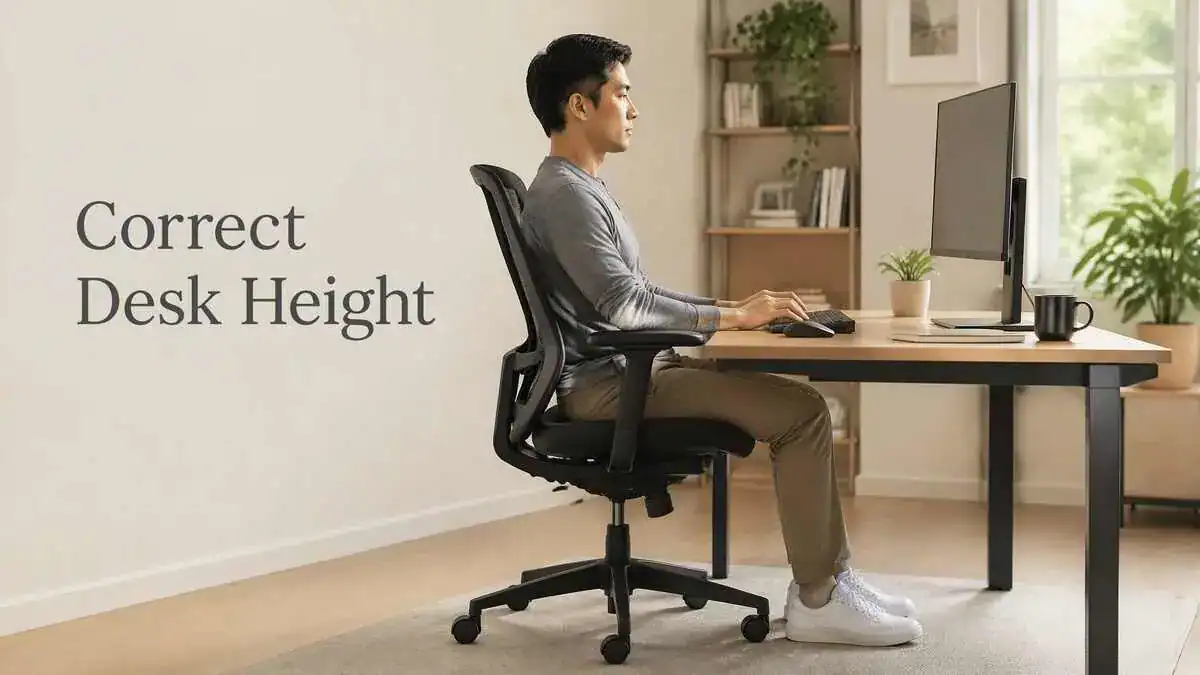
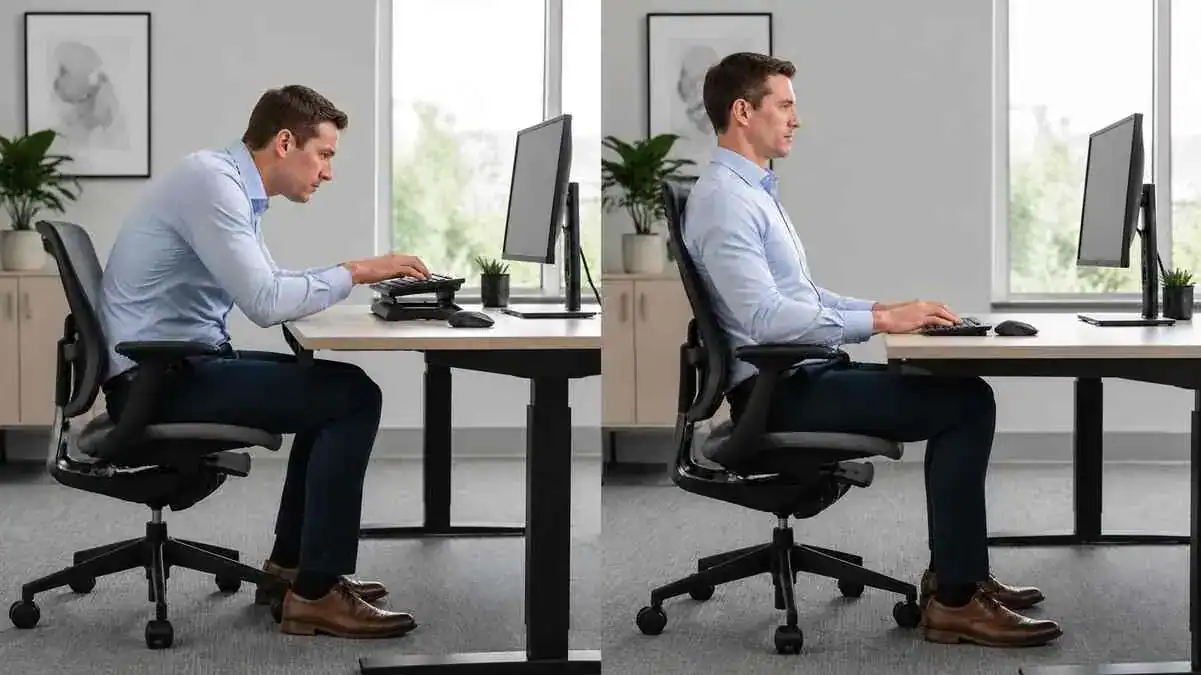
Desk height showing a comfortable ergonomic sitting position at a computer workstation

TL;DR Key Takeaways Quick Answer For proper ergonomics, desk height should match the person rather than one fixed measurement. Fixed desks commonly measure about 28–30 inches, while adjustable desks for seated computer work may offer a useful range of about 20–28 inches (50–72 cm). The better personal test is seated elbow height. The work surface … Read more

Ergonomic Laptop Setup: How to Set Up a Laptop for Comfortable Work

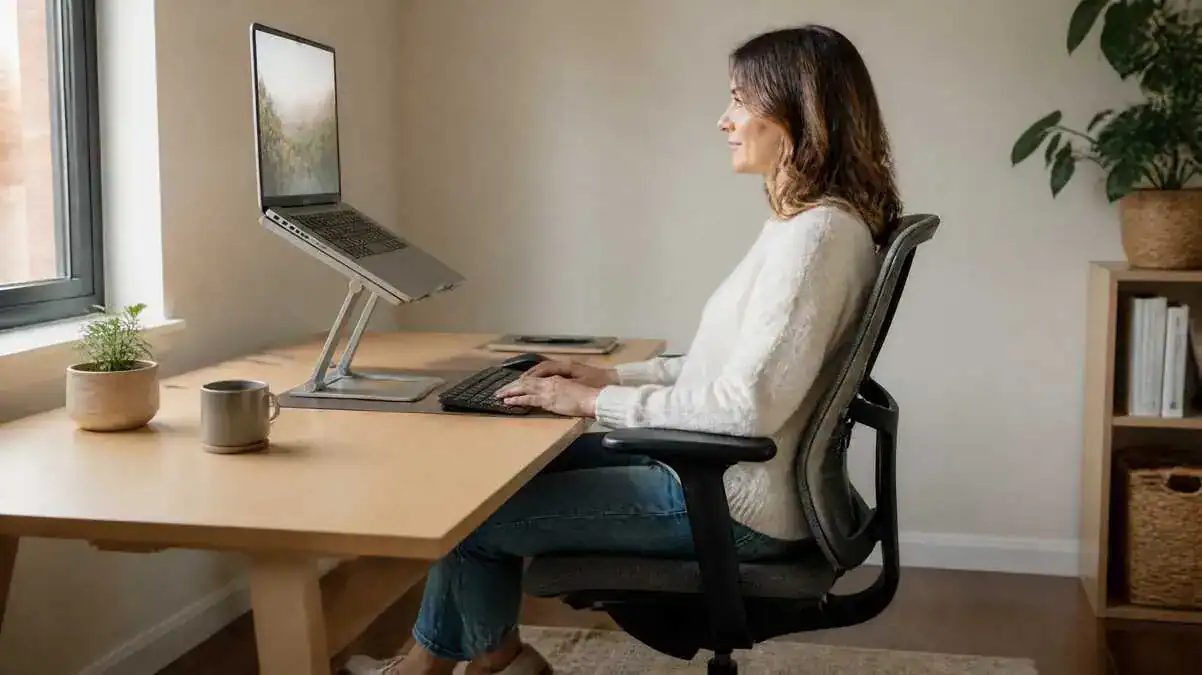
Ergonomic laptop setup with a laptop on a stand, external keyboard and mouse, supportive office chair, and proper sitting posture for comfortable work.

TL;DR Key Takeaways Quick Answer An ergonomic laptop setup helps the body stay in a more comfortable and supported position while working. Because the laptop screen and keyboard are attached, the most practical ergonomic laptop workstation for longer work sessions usually raises the screen toward a comfortable viewing height while using an external keyboard and … Read more

Proper Keyboard Position: How to Set Up a Keyboard for Comfortable Typing

Proper keyboard position showing correct keyboard height, keyboard distance, neutral wrists, relaxed shoulders, and supported sitting posture compared with poor keyboard positioning.

TL;DR Key Takeaways A proper keyboard position helps support comfortable typing by allowing the body to stay in a relaxed, natural working posture. The keyboard should work with the chair and desk instead of forcing awkward arm or wrist positions. Quick Keyboard Position Check Setup Check Comfortable Sign Possible Problem Keyboard centring Main typing area … Read more

Monitor Height and Position: How to Set Up a Screen for Comfortable Viewing

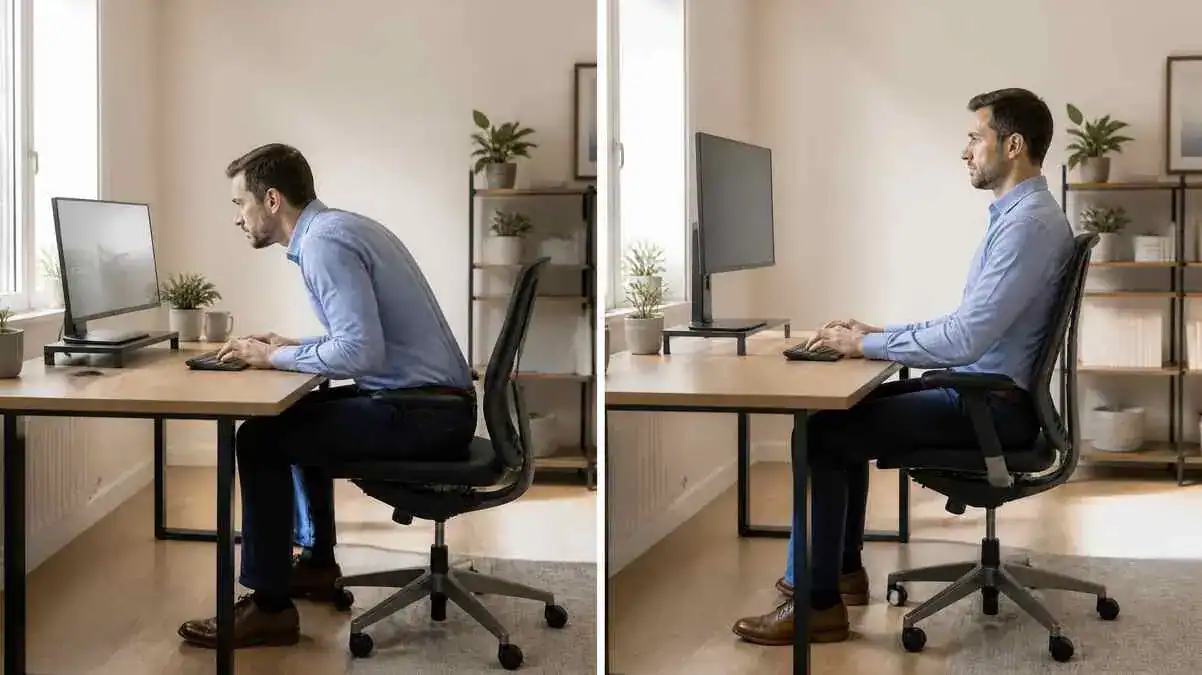
Correct monitor height and position compared with a poor monitor setup, showing proper screen height, neutral posture, and comfortable viewing during computer work.

TL;DR Key Takeaways Quick Monitor Setup Check Quick Answer The correct monitor height usually places the top of the screen at eye level or slightly below. The monitor should sit directly in front of the user, with the eyes looking slightly downward instead of sharply up or down. About an arm’s length is a practical … Read more

Desk Chair Height and Positioning: A Step-by-Step Guide to Proper Adjustment

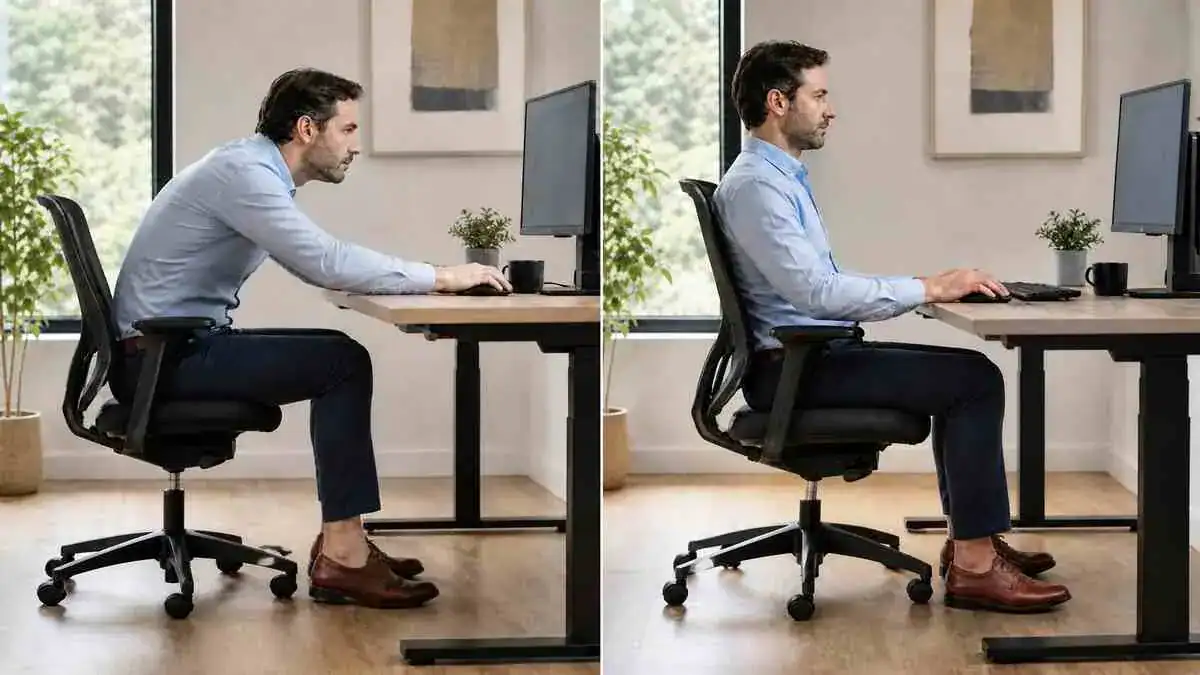
Split-screen comparison showing incorrect and correct desk chair height and positioning for proper ergonomic sitting at a workstation.

TL;DR Key Takeaways Quick Answer The correct desk chair height allows the feet to rest flat on the floor or on a stable footrest, keeps the knees and hips near 90 degrees or slightly more open, and lets the elbows reach the desk or keyboard without raising the shoulders. The chair should also support the … Read more

Complete Ergonomic Desk Setup: How to Create a Comfortable Workstation

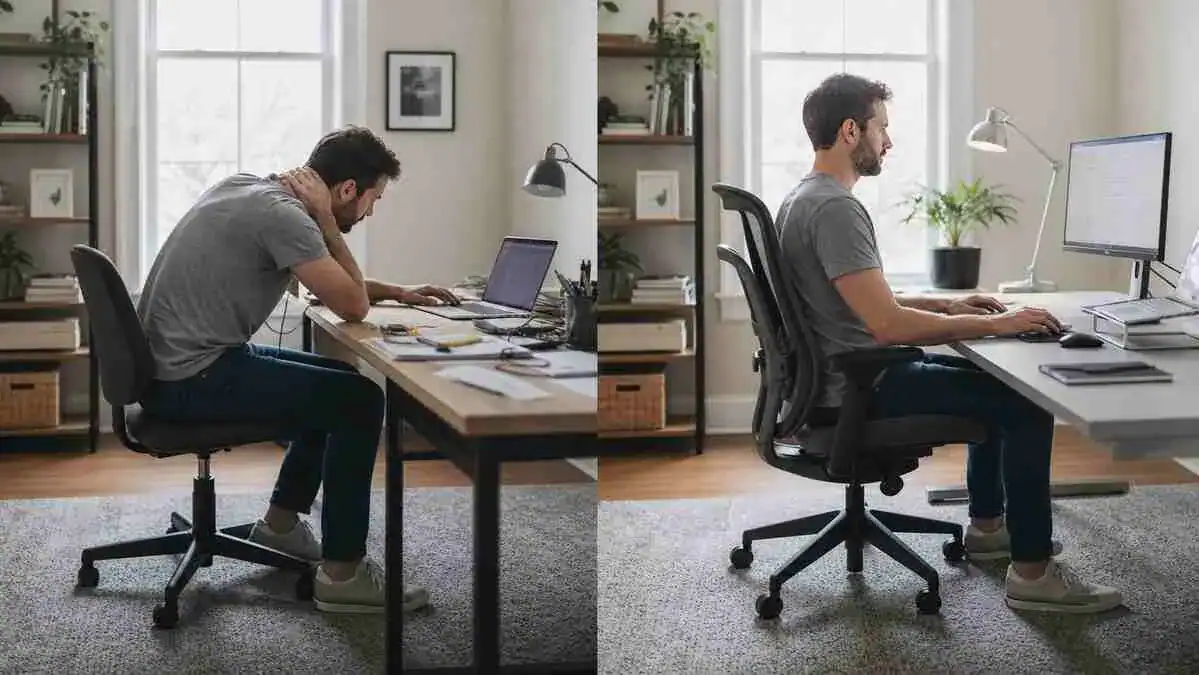
Split-screen showing a poor workstation setup beside a properly arranged ergonomic desk setup with correct chair support, monitor height, keyboard position, and neutral sitting posture.

TL;DR Key Takeaways An ergonomic desk setup is a workstation arranged to support the body, keep work tools within comfortable reach, and reduce unnecessary physical strain during computer work. Instead of forcing the body to fit the workstation, the workstation should fit the individual. Many people focus on maintaining one “perfect” posture all day. In … Read more